

How to send the pictures with Dropbox.
Dropbox is free:
Dive System has chosen Dropbox to let you send us your pictures.
Dropbox is a free service of cloud hosting..

-
Download the pictures in your PC.
Using the USB cable of your device download the picture in your Pc (or Mac) -
Go to dropbox.com
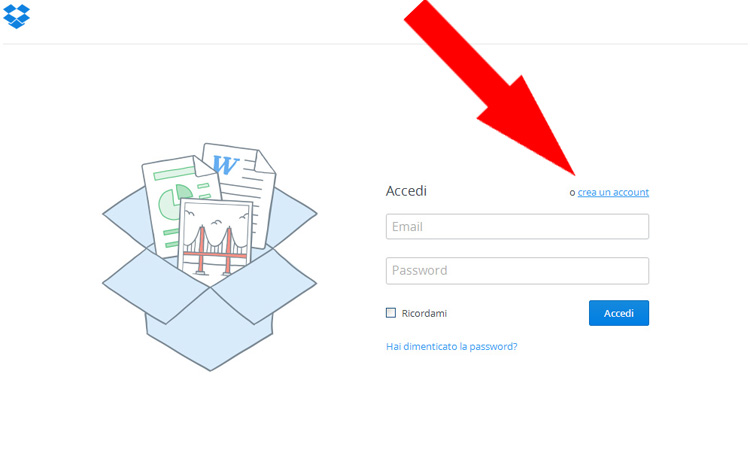
Go to http://www.dropbox.com and click "sign up" -
Sign up to Dropbox
Dropbox will not send you spam. -
Upload the pictures
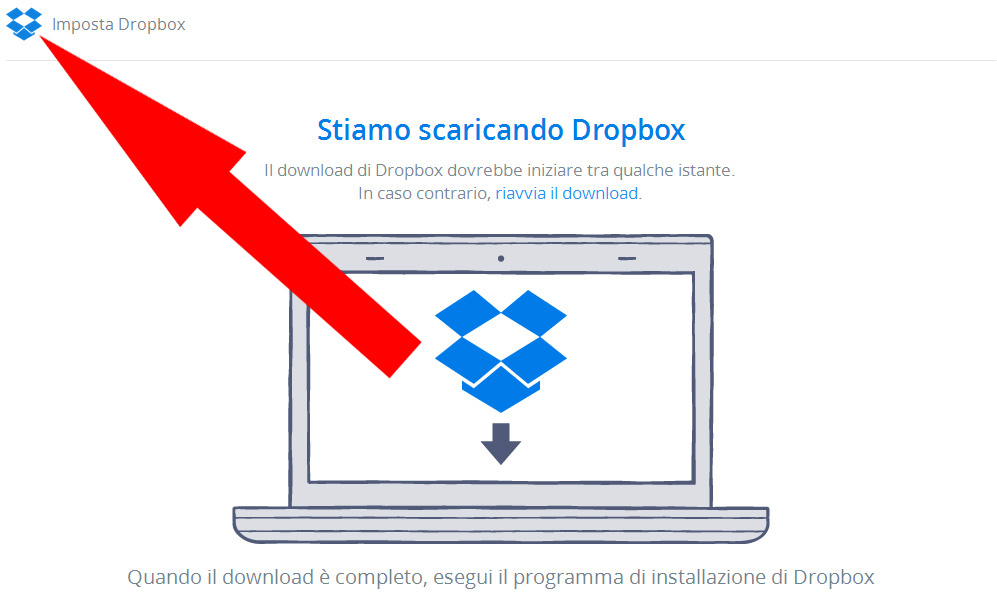
Dropbox will download its program for Pc or Mac, for this guide we will use the web-based application of Dropbox.
The application "Dropbox" downloaded on your Pc is safe
Click on the Dropbox icon on the left angle (as shown in the picture) -
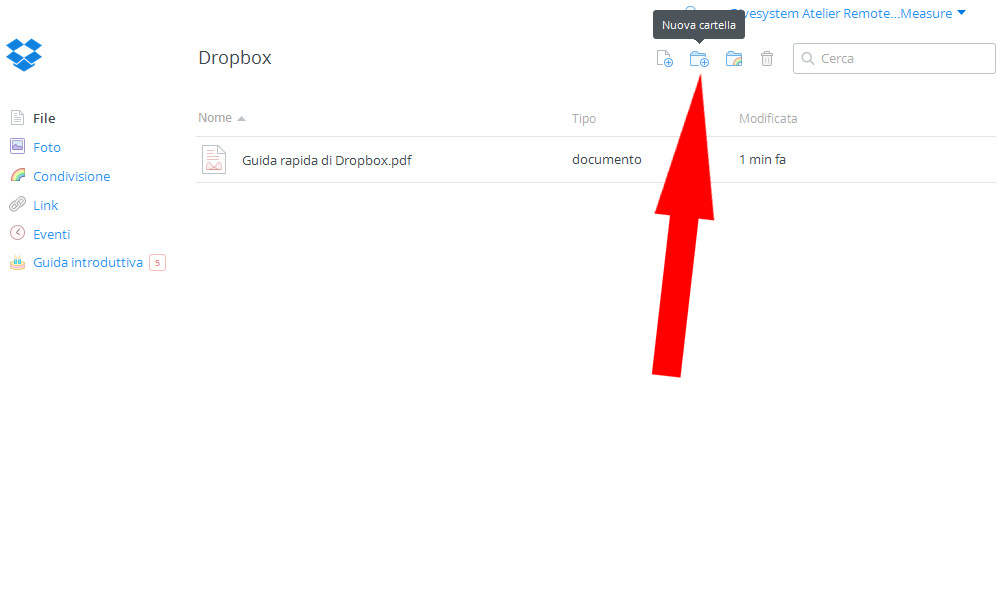
Create a new folder "Measure YOUR_NAME"
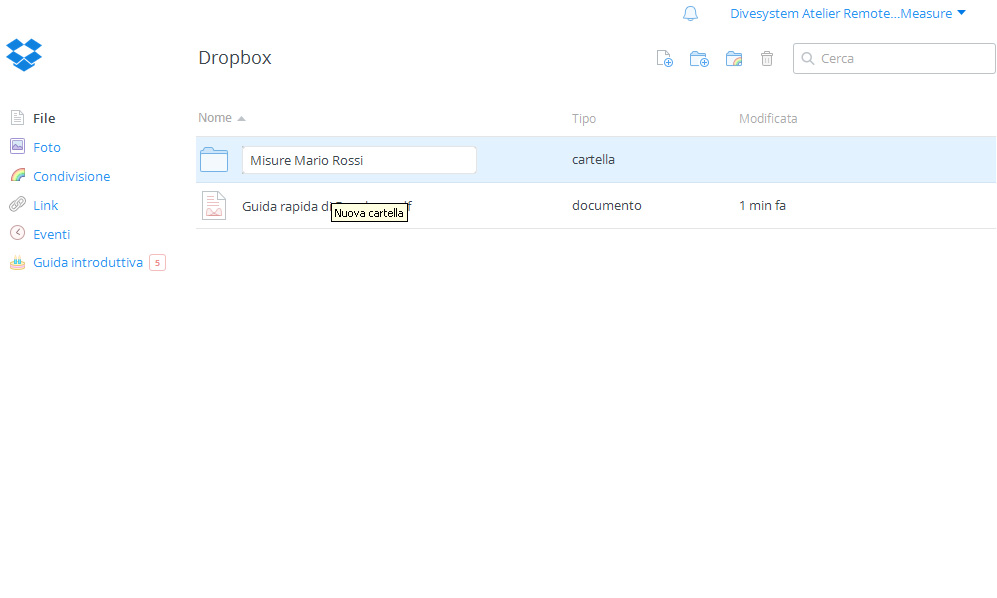
Create a new folder by clicking on the dedicated icon, named it with your name (es. Measures John Smith)
ATTENTION: Please name the folder with your name, our work will be easier. -
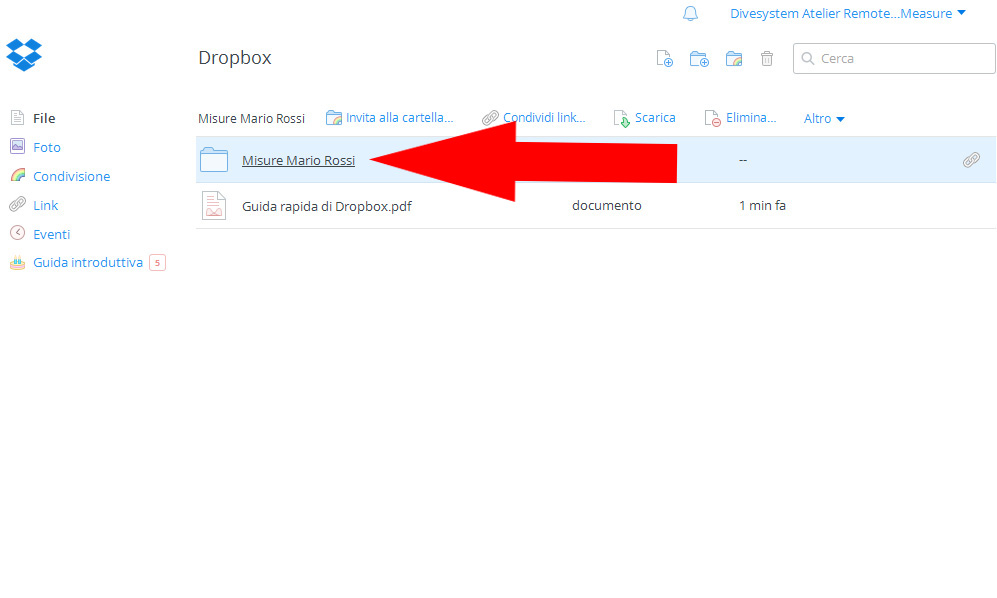
Click on the folder you created
Open the folder to upload the pictures.
-
Choose the pictures.
Click on the upload icon and upload your pictures.
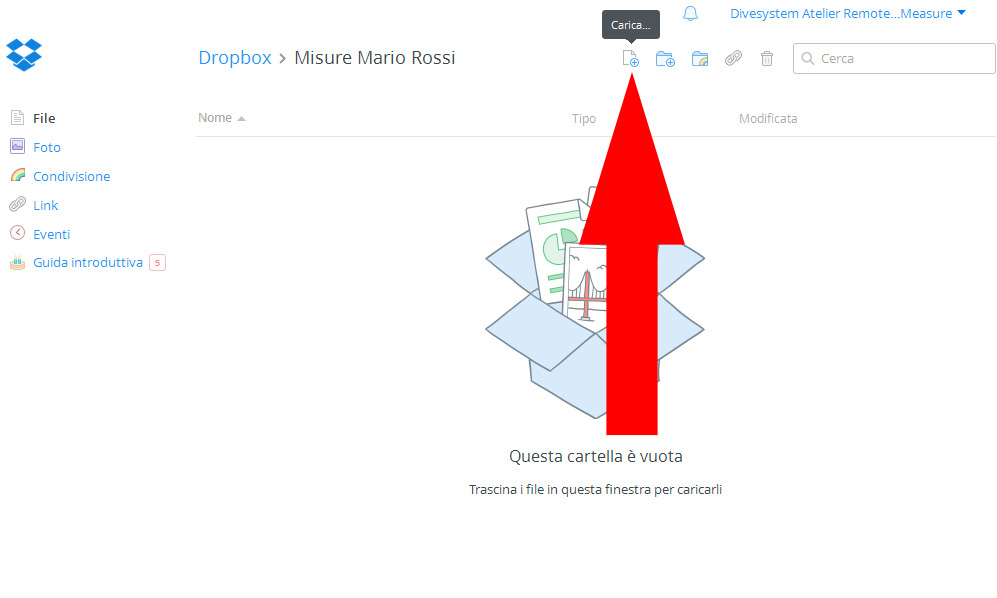
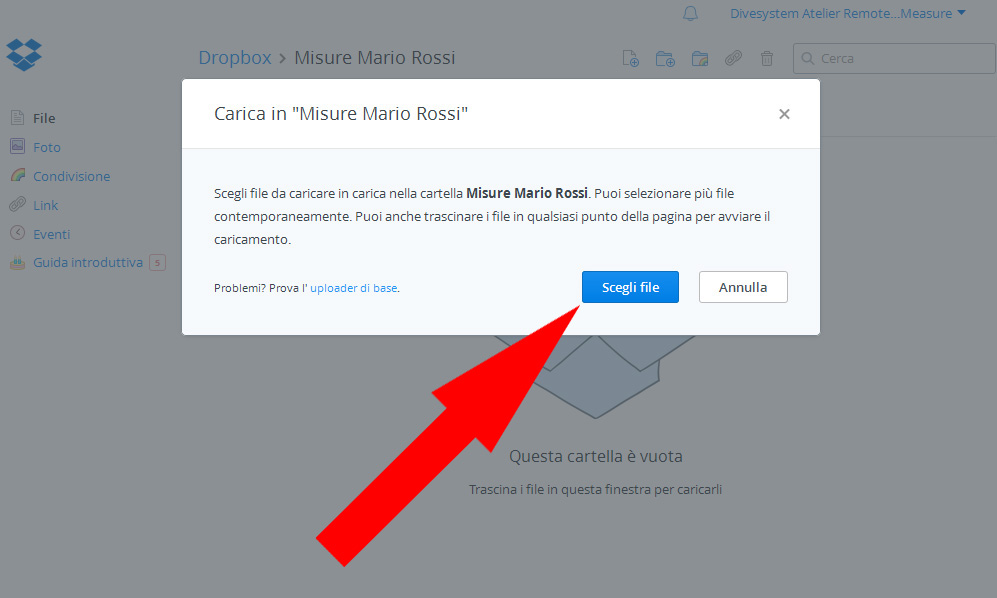
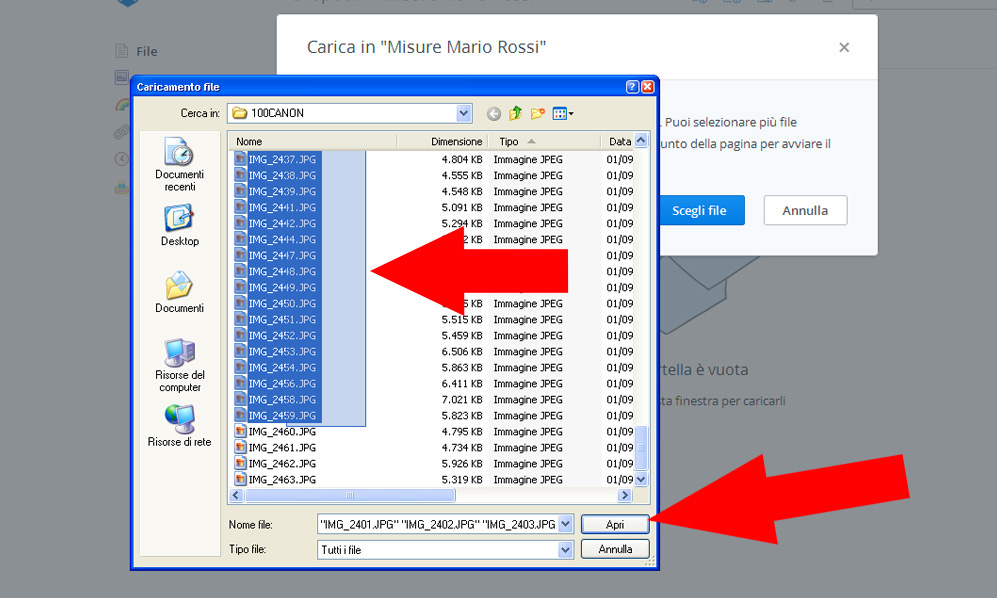
-
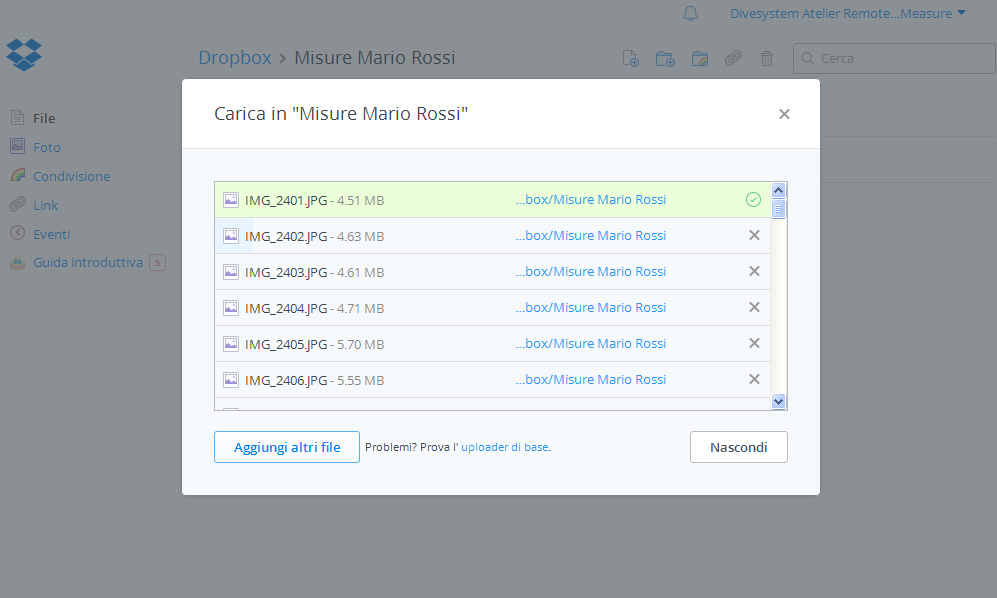
Wait for the upload
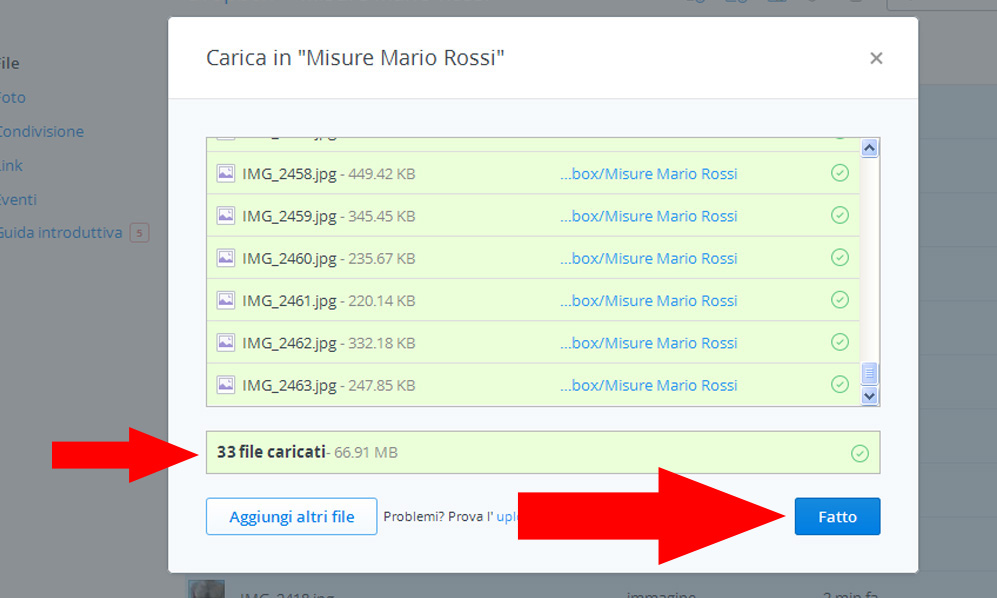
Your Pc will upload your pictures on Dropbox, wait till all the pictures become green.
When the upload is finished you will see the blue button "Done".
ATTENTION: The upload can take some minutes. Do not close your browser.
ATTENTION: Is suggested to use a Wi-fi connection to upload the photo. -
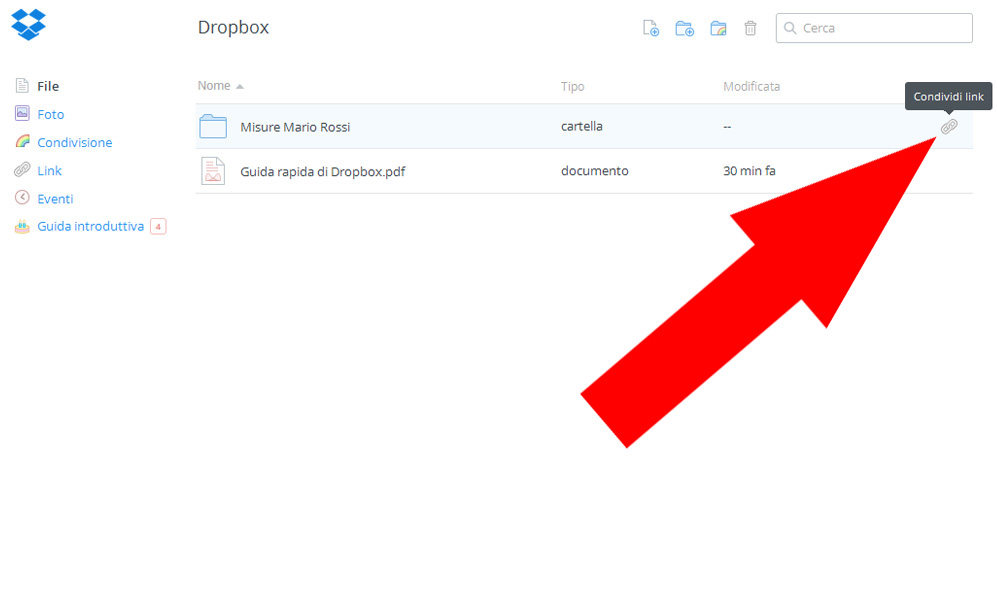
Get the link we need(part I).
Click on the "share" icon.
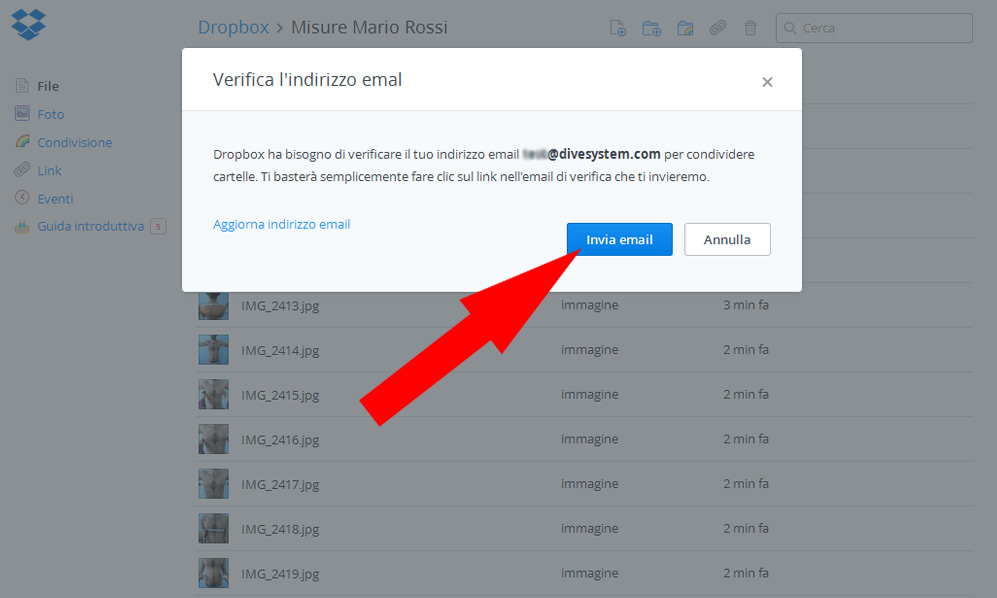
For security reasons Dropbox could ask you to confirm your email account by sending you an email.
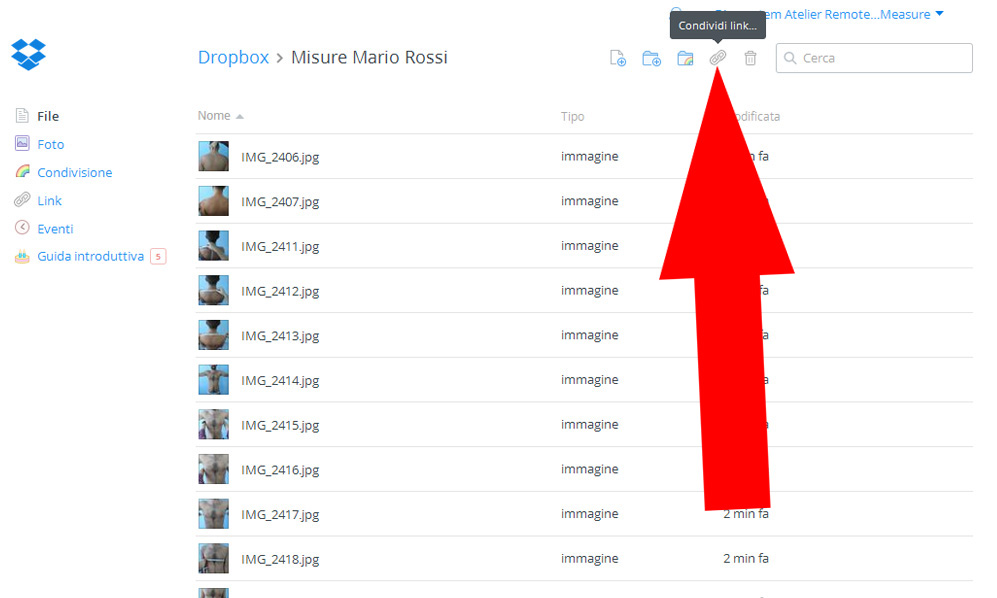
Get the link we need (part II).
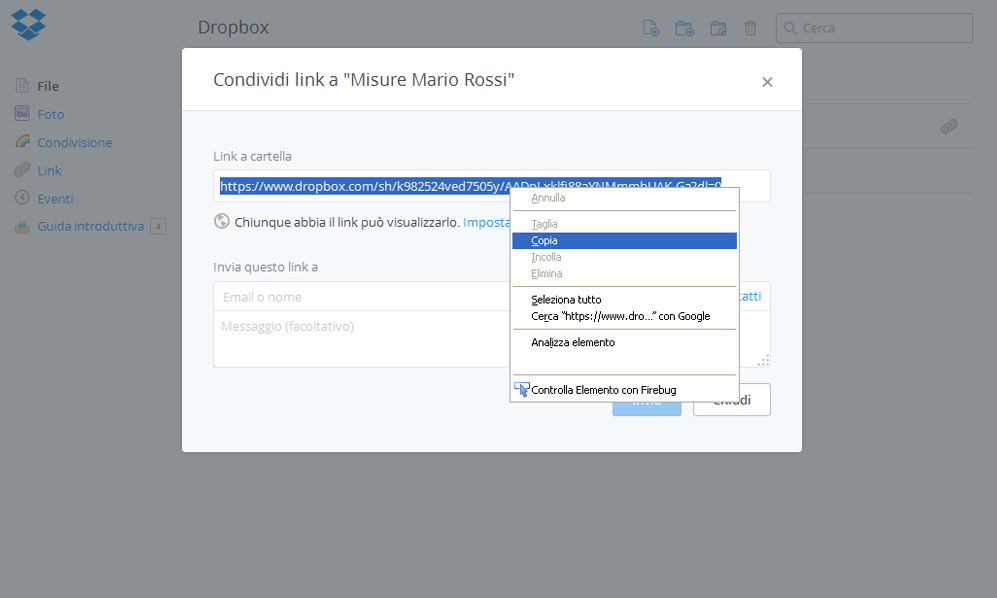
Dropbox will show you the link to your picture.
Select the link, right click on it and select "Copy"
You have to send that link to DiveSystem!
Do you need more assistance?
atelier.assistance@divesystem.com
